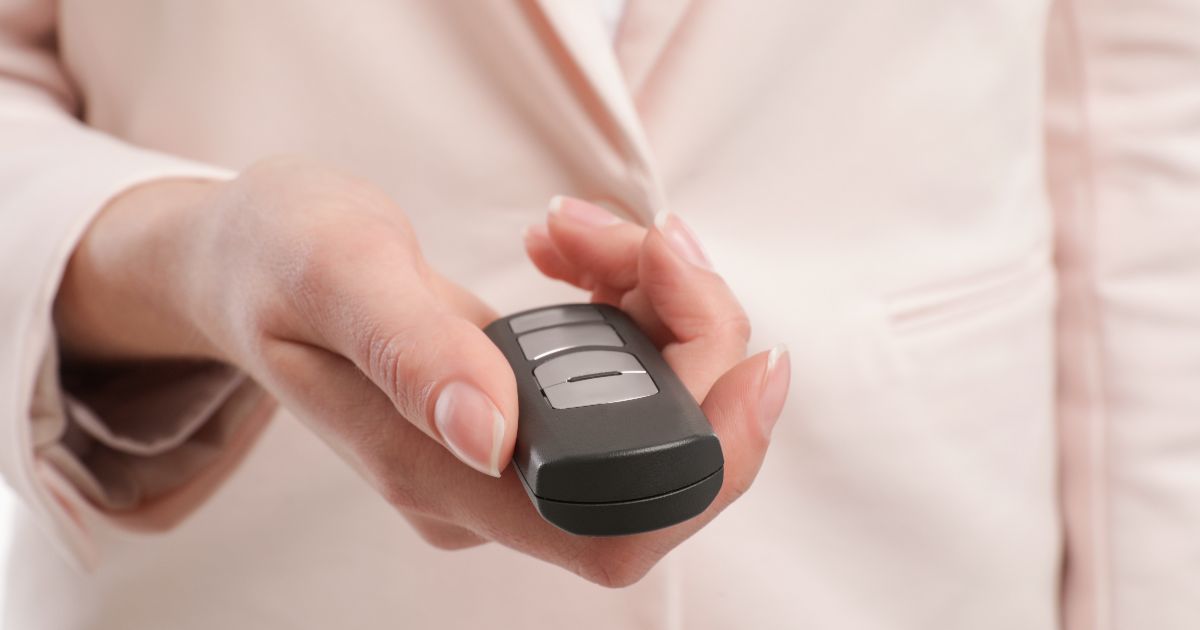
If your garage door remote stopped working after a battery change, the battery is rarely the only problem.
This is one of the most common calls we get from people in Palmetto Bay, FL.
The good news? Most of these fixes are simple and fast.
Why Your Garage Remote Still Won’t Work After a Battery Change
Most people assume a new battery will solve everything. But your remote has several parts that all need to work together. If even one is off, the remote won’t respond. The battery powers the remote. But the remote also needs to send the right signal to your garage door opener’s receiver. If the signal is blocked, lost, or the remote is out of sync, a fresh battery won’t help at all. Here are the most common reasons this happens, and how to fix each one.1. You Installed the Battery the Wrong Way
This sounds obvious, but it happens more than you’d think. Batteries have a positive (+) and negative (−) side. If either is flipped, the remote gets zero power. Quick fix:- Open the battery compartment
- Check the diagram inside, which shows which way each battery goes
- Remove the battery, flip it to match the diagram, and test again
2. The Remote Needs to Be Reprogrammed
A new battery can sometimes reset your remote’s memory. When that happens, the remote loses its connection to the opener. It sends a signal, but the opener doesn’t recognize it. To reprogram most remotes:- Find the “Learn” button on your garage door opener. It’s usually on the motor unit on the ceiling
- Press and hold it until the indicator light turns on, then release
- Within 30 seconds, press the button on your remote until the opener light blinks or you hear a click
- Test the remote
3. Signal Interference Is Blocking the Remote
LED lights, Wi-Fi routers, nearby cell towers, and even some appliances can interfere with your remote’s frequency. Signs of interference:- The remote works sometimes but not always
- It works from very close range but fails from a distance
- Neighbors have reported similar issues
- Stand closer to the opener and test
- Unplug any LED bulbs inside the opener and replace them with incandescent bulbs
- Move your Wi-Fi router away from the opener if it’s nearby
4. The Remote Itself Is Damaged
Remotes get dropped, sat on, and left in hot cars. Here in Palmetto Bay, heat is a real issue. Extreme temperatures can warp the internal circuit board or damage the buttons. Check for these signs:- The buttons feel mushy or stuck
- The remote has visible cracks
- It got wet from the rain or a pool splash
5. The Garage Door Opener’s Receiver Has a Problem
The receiver is the part inside your opener that picks up the remote’s signal. If it fails, no remote will work, not even a brand-new one. How to test this:- Try the wall button inside your garage. If the door opens with the wall button but not the remote, the receiver is likely the issue
- Try a second remote if you have one
6. The Antenna on the Opener Is Bent or Blocked
Your garage door opener has a small antenna wire hanging from the motor unit. This wire receives the signal from your remote. If it’s coiled up, tucked away, or blocked by metal shelving, it can’t do its job. Quick fix:- Find the antenna wire; it should hang straight down from the motor unit
- Make sure it’s at least 2 feet long and not coiled or wrapped
- Keep metal objects away from the antenna area
7. Your Remote’s Frequency Doesn’t Match the Opener
Older garage door openers used fixed frequencies; usually 300 MHz or 390 MHz. Newer ones use rolling codes at 315 MHz or 390 MHz. If you bought a universal remote or replaced your opener recently, there may be a mismatch. How to check:- Look at the back of your remote for a frequency label
- Check your opener’s manual or the label on the motor unit
- Make sure both use the same frequency
7. The Opener’s Logic Board Has Failed
This is the least common cause, but it does happen, especially with older openers. The logic board is the “brain” of your opener. If it fails, the opener won’t respond to anything. Signs the logic board is failing:- The wall button doesn’t work either
- The opener makes no sound or lights when you try to use it
- The opener works randomly without any input
When to Call a Garage Door Pro in Palmetto Bay
Some fixes are easy DIY jobs. Others need a trained technician. Call a professional if:- You’ve tried reprogramming, and nothing works
- The wall button doesn’t open the door
- The opener makes grinding or clicking noises
- The door moves unevenly or stops midway